How to Connect a Turntable to an Amplifier or Powered Speakers
Affiliate links: as an Amazon Associate, CozyHiFi earns from qualifying purchases, at no extra cost to you.
You have the turntable, you have the speakers, and the RCA cable is in your hand. Yet the question remains: where does it plug in? The phono input, the AUX input, straight into the powered speakers? And why does the sound sometimes come out faint and thin, or loud and distorted? The good news is that the answer comes down to two simple questions, and this guide takes them one at a time.
If you are still choosing a turntable or want to see how vinyl and streaming live side by side, start with our first turntable guide. Here we focus only on the connection, case by case.
Quick answer
- A turntable signal must be preamplified once, and only once: by the turntable’s own phono preamp, by the amplifier’s phono stage or by an external phono preamp.
- Amplifier with a PHONO input: set the turntable to Phono (built-in preamp off), plug the RCA cable into PHONO and fix the ground wire to the GND terminal.
- Powered speakers, a streamer or an AUX/LINE input: set the turntable to Line (built-in preamp on), or add an external phono preamp if the turntable has none.
- Very quiet with no bass = the phono preamp is missing. Loud and distorted = the signal is being preamplified twice.
Contents
- Question 1: does your turntable have a built-in phono preamp?
- Question 2: does your system have a phono input?
- The table that keeps you out of trouble
- How to connect a turntable to an amplifier
- How to connect a turntable to powered speakers
- How to connect a turntable to a WiiM streamer
- Common problems and how to fix them
- Our picks
- Frequently asked questions
Question 1: does your turntable have a built-in phono preamp?
The cartridge produces a tiny signal, just a few millivolts, cut with the RIAA equalisation curve. To become a line-level signal, like the output of a streamer or a CD player, it has to go through a phono preamp (also called a phono stage). Many modern turntables already include one. To find out, look at the back:
- PHONO / LINE switch: the phono preamp is built in and can be bypassed. On Line the turntable outputs a line-level signal, on Phono it outputs the raw cartridge signal.
- No switch, but the spec sheet says “built-in preamp”: it always outputs line level.
- No switch and a thin ground wire with a spade connector: it is almost certainly a turntable without a preamp, which needs a phono input or an external phono preamp.
If in doubt, the manufacturer’s manual is the most reliable source: look for “phono preamp”, “line out” or “built-in preamplifier”.
Question 2: does your system have a phono input?
Now look at the sockets on the device you want to connect to. A phono input is labelled PHONO (sometimes MM or MM/MC) and usually has a small screw terminal marked GND next to it. All the other RCA sockets, such as AUX, LINE, CD, TUNER or a 3.5 mm jack, are line inputs: they expect a signal that has already been preamplified.
Integrated amplifiers, even compact ones, often have a phono input. Powered bookshelf speakers and streamers usually don’t, with a few exceptions covered below.
The table that keeps you out of trouble
| System WITH a phono input | System WITHOUT a phono input | |
|---|---|---|
| Turntable WITH built-in preamp | Turntable on Phono, cable into PHONO, ground wire to GND. Or: turntable on Line and cable into AUX. | Turntable on Line, cable into AUX/LINE. The simplest case. |
| Turntable WITHOUT built-in preamp | Cable into PHONO, ground wire to GND. | You need an external phono preamp between turntable and system. |
How to connect a turntable to an amplifier
This is the classic connection, the one used in a system with an amplifier and passive speakers. With a phono input available, the steps are:
- Switch the amplifier off or turn the volume right down.
- If the turntable has a switch, set it to Phono: the amplifier does the preamplification.
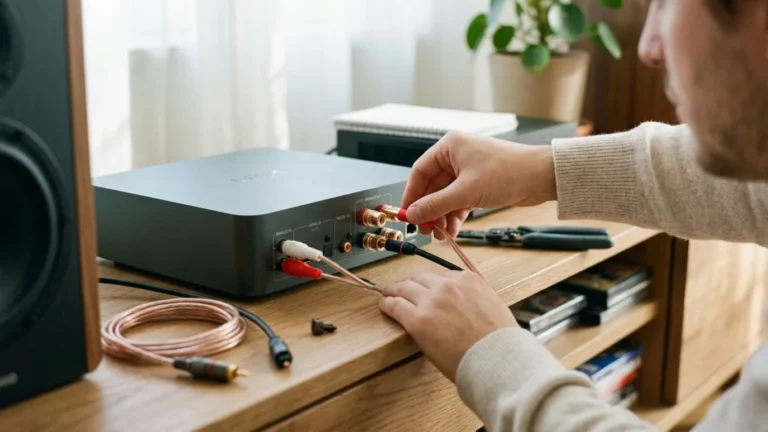
- Plug the RCA cable into the PHONO input: red to red (right channel), white to white (left).
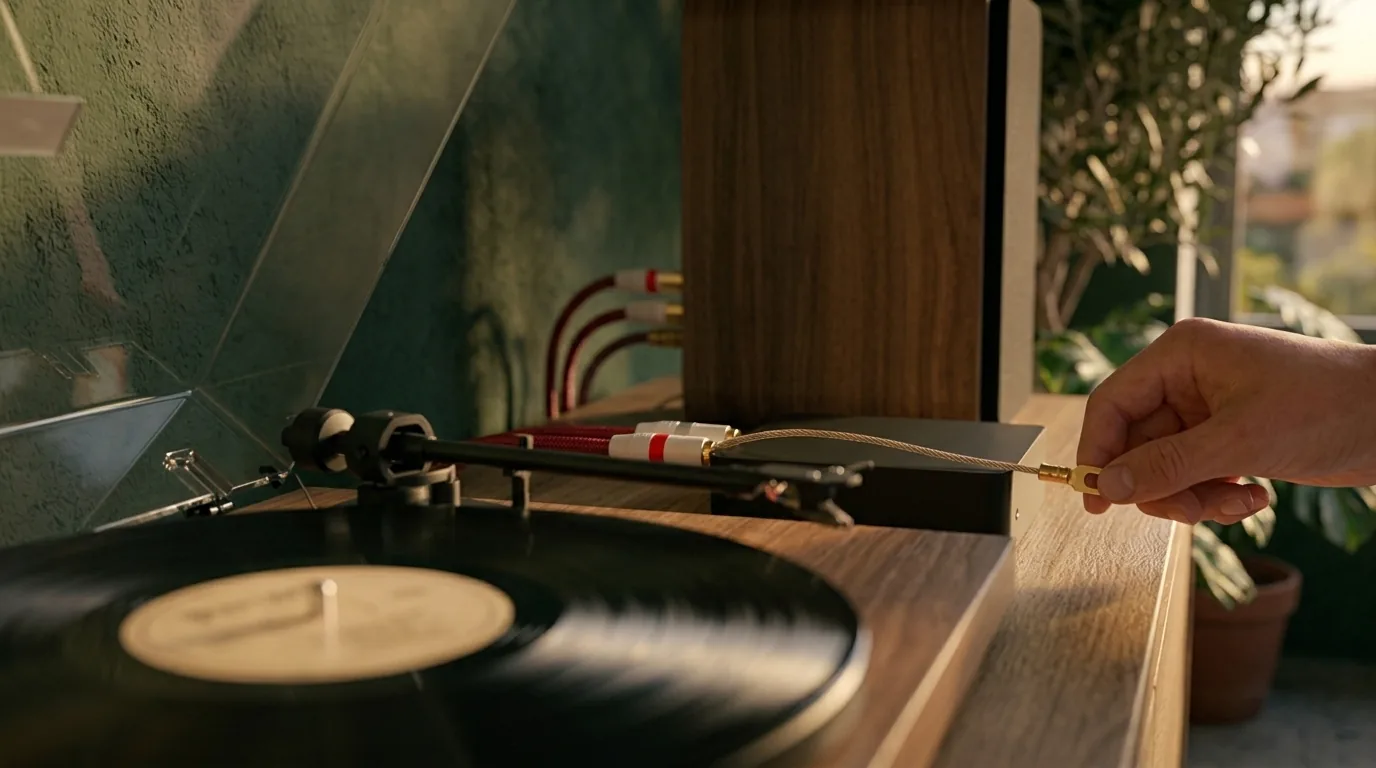
- Loosen the amplifier’s GND screw, slide the ground wire’s spade connector underneath and tighten it.
- Select the Phono input on the amplifier, lower the stylus and raise the volume gently.
If the amplifier has no phono input, use the turntable’s own preamp (switch on Line) or an external phono preamp, and connect to any line input such as AUX or CD.
How to connect a turntable to powered speakers
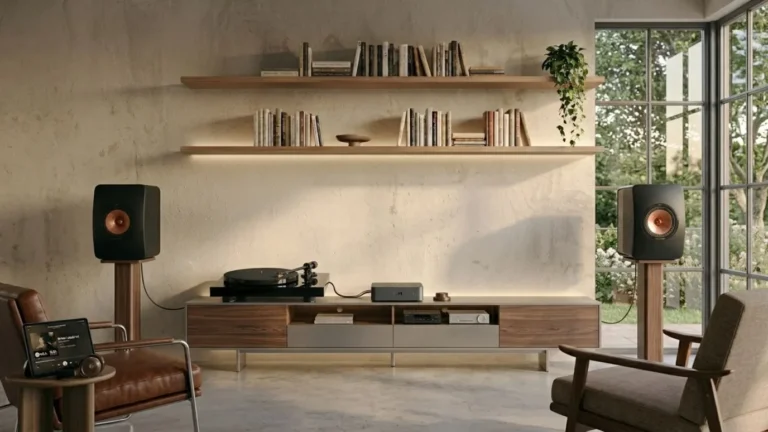
Powered bookshelf speakers are the heart of compact systems like our hi-fi setup under €500. Almost all of them only have line inputs, so the signal must arrive already preamplified.
- With an RCA cable: turntable on Line and RCA cable into the speakers’ analogue input. Speakers such as the Edifier R1280T (available on Amazon) have two RCA inputs: one for the turntable, the other for a streamer or computer.
- Speakers with a 3.5 mm input: an RCA-to-jack cable does the job, again with the turntable on Line.
- Over Bluetooth: if both turntable and speakers support it, pair them and skip the cables entirely. It is convenient and often good enough, but Bluetooth compresses the signal, so for focused listening a cable is still the better choice.
Some powered speakers do have a proper phono input, recognisable by the PHONO label and the GND terminal: in that case follow the same steps as for an amplifier. Once everything is connected, keep the turntable away from the speakers’ vibrations, as we explain in our guide on where to position hi-fi speakers.
How to connect a turntable to a WiiM streamer
Connecting vinyl to a streamer is the most modern way to integrate it: you hear it on your main system and, thanks to multiroom, in other rooms too. There are two routes depending on the model (full details in our WiiM buying guide):
- WiiM Pro, Pro Plus and Amp: they have a line input, not a phono input. The turntable goes on Line or through an external phono preamp. Of the two compact streamers, the Pro Plus has the better converter for digitising vinyl, as we explain in our WiiM Pro vs Pro Plus comparison.
- WiiM Ultra: according to the manufacturer’s specifications it has a genuine phono input, compatible with MM and MC cartridges, plus a dedicated ground terminal. Set the turntable to Phono and you need nothing else.
One tip: when you stream vinyl to other rooms, the streamer converts the signal to digital and adds a small delay. You won’t notice it in the main room, but if you want the most direct path, connect the speakers to the analogue output.
Common problems and how to fix them
The volume is very low and there is no bass
The phono preamp is missing: the raw cartridge signal is reaching a line input. Set the turntable’s switch to Line, move to the PHONO input or add an external phono preamp.
The sound is very loud, harsh and distorted
The signal is being preamplified twice: a turntable set to Line plugged into a PHONO input. Set the switch to Phono, or move the cable to an AUX input.
There is a background hum
It is almost always an unconnected ground wire. Fix it to the GND terminal on the amplifier, phono preamp or streamer. If the hum persists, move the turntable’s cables away from power supplies and extension leads. For the rest of the wiring, the advice in our guide to hi-fi cables and connections applies: you don’t need expensive cables, you need short ones that are firmly plugged in.
Only one channel is playing
Check that both RCA plugs are pushed all the way in and that red and white go into the matching sockets. If the problem persists, swap the two plugs: if the silent channel moves, the fault is in the cable or the turntable.
Our picks
The turntable
Audio-Technica AT-LPW50BTRW
A switchable built-in phono preamp and Bluetooth mean it connects to almost anything, from powered speakers to a classic amplifier, with or without cables.
The speakers
Edifier R1280T
Compact powered bookshelf speakers with two RCA line inputs: the turntable on one, a streamer or computer on the other. The simplest way to start without an amplifier.
Frequently asked questions
Can I connect a turntable directly to powered speakers?
Yes, if the turntable has a built-in phono preamp (switch on Line) or the speakers have a phono input. Otherwise you need an external phono preamp between the two.
Can I use the amplifier’s AUX input?
Yes, as long as the signal is already preamplified: turntable on Line or an external phono preamp. In that case, connect the ground wire to the external phono preamp, if you use one.
Do I need to connect the ground wire with powered speakers?
If the speakers have no GND terminal and the turntable uses its built-in preamp, usually not: the ground wire is needed when the phono signal goes to an external preamp or a phono input. If you hear a hum, check your turntable’s manual.