
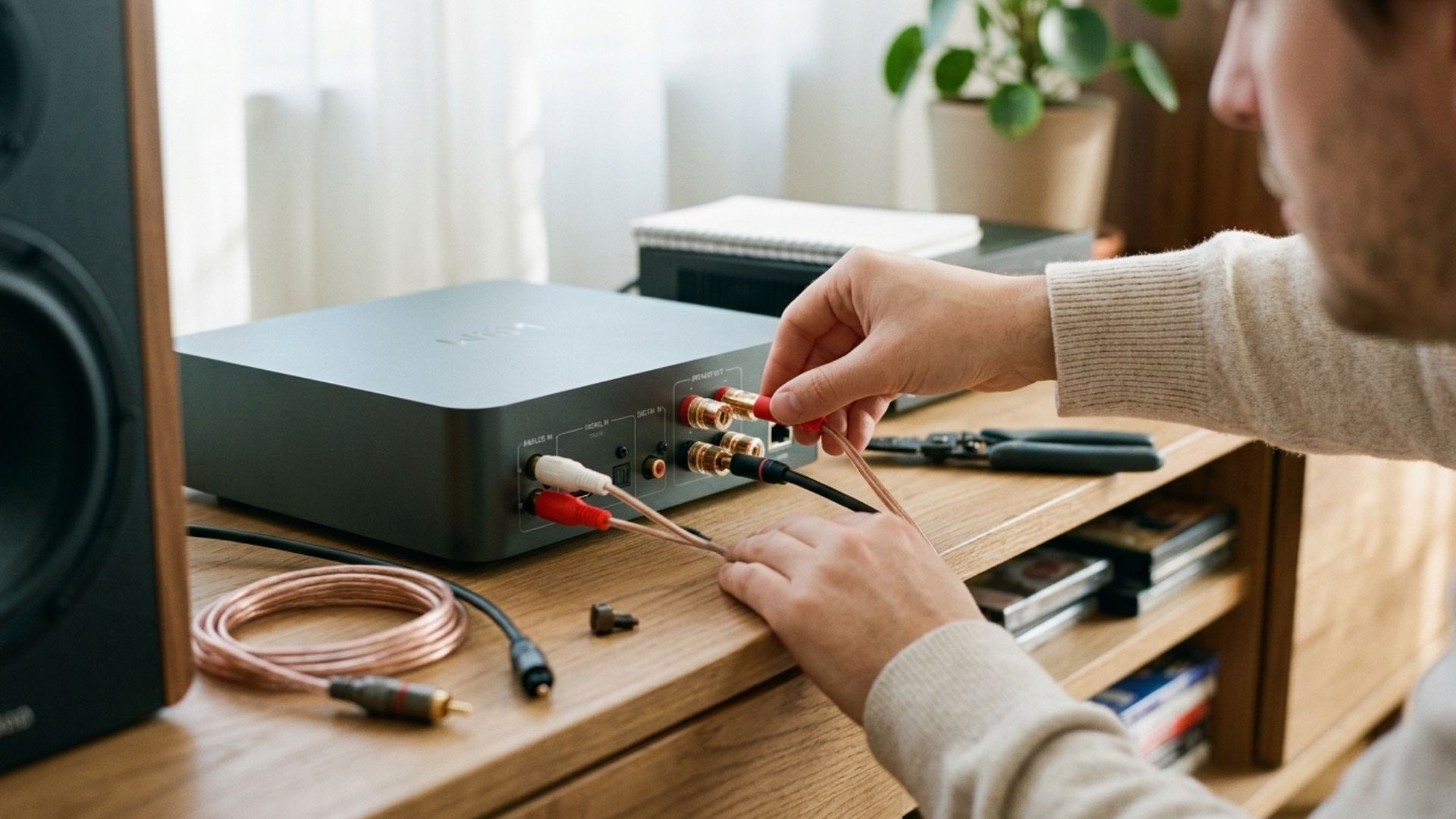
Hi-Fi Cables and Connections: Do You Really Need Expensive Ones? The Practical Guide
A clear, no-nonsense guide to audio cables: understand the differences between analogue and digital connections, avoid unnecessary spending, and properly wire your Hi-Fi system.
Hi-Fi Cables and Connections: Do You Really Need Expensive Ones? The Practical Guide
In the world of high fidelity, few topics spark as much endless debate as audio cables. On one side, some claim that a cable costing hundreds of pounds or dollars can completely transform a system’s sound; on the other, sceptics dismiss specialized cables as pure marketing illusion. For those taking their first steps and simply wanting to enjoy great music at home, this confusion often leads to uncertainty and wasted money.
The truth, as is so often the case, lies somewhere in the middle and is grounded in physics rather than magic. You don’t need to break the bank to get the best performance from your audio system: you just need to understand which connections to use and where a bit of extra attention actually matters. In this guide, we break down the core connections in a simple, straightforward way.
Analogue vs Digital Connections: What Actually Changes
To avoid common mistakes, the most important distinction to keep in mind is between analogue and digital signals. They handle sound information in entirely different ways and, as a result, react differently to the cables used.
1. Digital Connections (Optical, Coaxial, HDMI)
Digital audio travels as binary data (zeros and ones). Cables such as Optical TOSLINK, Digital Coaxial, or HDMI ARC carry a numerical stream of data from the source to the DAC (Digital-to-Analogue Converter). Because it is purely data, the cable either delivers the bitstream intact or causes obvious dropouts.
An astronomically expensive digital cable won’t make your music sound “warmer” or “deeper”. What matters is that the cable is built to a decent standard to prevent signal dropouts, especially when streaming high-frequency bitrates. This is particularly crucial if you enjoy listening track after track via digital music and high-resolution (Hi-Res) streaming, where digital signal stability is paramount.
2. Analogue Connections (RCA and Speaker Cables)
Analogue RCA cables (the familiar red and white connectors) and speaker cables carry alternating electrical current. Here, build quality and materials play a slightly bigger role, as the signal is directly exposed to electromagnetic interference and conductor resistance.
Where to Pay Attention (And Where to Save Money)
To make the most of your budget without wasting money, follow these three golden rules when selecting cables:
- RCA Interconnects: Avoid the razor-thin, flimsy black cables often bundled in the box with cheaper gear. They tend to pick up hums and have delicate connectors. Opt for cables with decent shielding and firm connectors: around £10 to £20 is more than enough to get excellent quality.
- Speaker Cables: Exotic materials are unnecessary. The main factor that matters is the cross-sectional area of pure Oxygen-Free Copper (OFC). If your speakers are close to your amplifier, a conductor gauge of 1.5 mm² or 2.5 mm² (16 AWG or 14 AWG) is ideal to ensure full power transfer without loss.
- Keep Spending Proportional: A wise rule of thumb suggests that total expenditure on all cables should never exceed 5–10% of your system’s total value. If you are setting up a streamlined rig like our ultimate Hi-Fi setup under €500, spending large sums on cabling makes no logical sense—it is far better to invest that money in higher-quality speakers or a better source.
Connecting Network Streamers and Smart Gear
Today, most music listening happens through network streamers and integrated digital hubs. Knowing which cable to use when connecting these devices makes a real difference in usability and sound quality.
For example, if you use a network streamer to upgrade an existing setup, your choice of connection depends on which device handles the digital-to-analogue conversion: you can output via analogue RCA to use the streamer’s internal DAC, or output via optical/coaxial to an external amplifier with a superior DAC. We explored all the available outputs and connections in depth in our ultimate WiiM buying guide.
Finally, remember that no cable—no matter how expensive—can fix room resonance problems caused by an untreated room or poor speaker placement. Before considering a cable swap to tweak your system’s sound signature, make sure you’ve optimized your room layout following the advice in our guide on where to position Hi-Fi speakers.
Practical Tip for Cable Management
Beyond cable quality, how you organize connections behind your Hi-Fi rack has a practical impact on audio clarity:
- Separate Power Cables from Signal Cables: Avoid running mains power cables (220V/110V) parallel to analogue RCA cables or speaker wires. If they must cross, cross them at a 90-degree right angle to minimize mains hum interference.
- Check for Oxidation: Once a year, unplug and re-plug your RCA plugs and speaker terminals. This simple step cleans off invisible oxide layers, restoring optimal electrical conductivity for free.
High fidelity should always remain a relaxed, accessible hobby. Choose sturdy, well-built cables at a fair price: the real hero of the evening should always be the music you love.