WiiM Ultra Review: Strengths, Limits and Pro Plus Comparison

Affiliate links: as an Amazon Associate, CozyHiFi earns from qualifying purchases, at no extra cost to you.
The WiiM Ultra is the most complete streamer in the WiiM range: a touchscreen, an HDMI ARC socket for the TV, a phono input for your turntable and a high-end DAC. It does, however, cost around £100 more than the WiiM Pro Plus, which on paper does almost the same job. So the real question isn’t whether the WiiM Ultra is any good, but whether you actually need its extra features.
In this guide we go through what the WiiM Ultra offers according to the manufacturer’s figures, its strengths and its limits, and a head-to-head with the Pro Plus to work out which one makes sense in your living room.
At a glance
- What it is: a streamer and digital preamp. It has no power amplifier, so it needs powered speakers or an amplifier.
- Strengths: HDMI ARC for the TV, MM and MC phono input, subwoofer output, headphone output and a 3.5-inch touchscreen.
- Compared with the Pro Plus: same app and streaming services, but far more connections. If you only play music through an amplifier, the Pro Plus is enough.
- Who it’s for: anyone who wants one box to handle music, TV and vinyl on a 2.0 or 2.1 system.
Contents
WiiM Ultra: what it is and what it offers
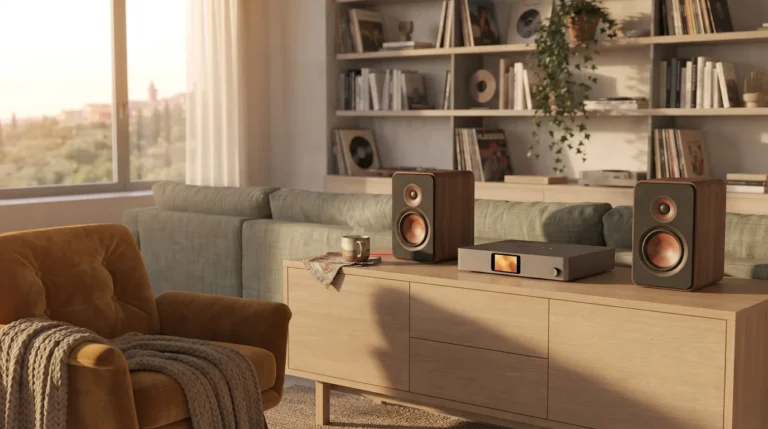
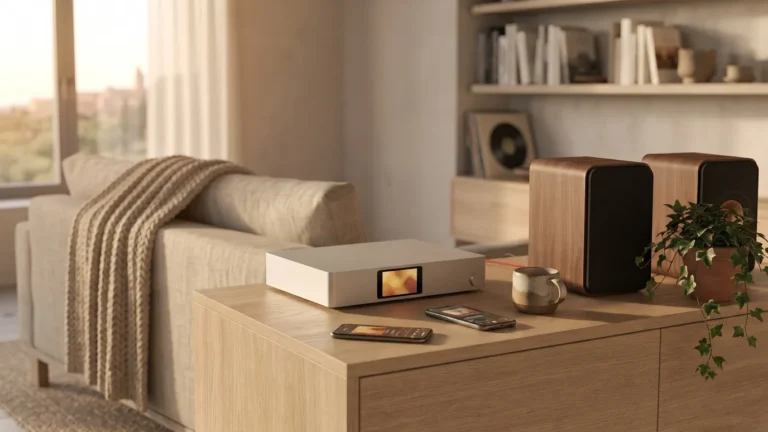
The WiiM Ultra is a network streamer with a preamp: it plays streamed music and connected sources, controls the volume and sends the signal on to powered speakers or an amplifier. It’s a small aluminium box designed to sit on show on a TV unit or a bookshelf, with a display showing artwork, track and source.
These are the main features stated by WiiM:
- ESS ES9038Q2M DAC, with a stated signal-to-noise ratio of around 120 dB on the line output.
- 3.5-inch colour touchscreen to pick sources, presets and volume without opening the app.
- Inputs: HDMI ARC, phono for MM and MC cartridges, RCA line, optical, USB for sticks or drives with your own music, and Bluetooth.
- Outputs: variable RCA line out, subwoofer out, optical, coaxial, USB audio to an external DAC, and headphones.
- Network: Wi-Fi 6E and an Ethernet port.
- Streaming: AirPlay 2, Chromecast, Spotify Connect, Tidal Connect, Roon compatibility, Alexa voice control and multiroom with other WiiM devices.
To understand what bit-perfect and hi-res really mean, and which services actually offer them, see our guide to hi-res streaming.
WiiM Ultra strengths
The TV goes through the streamer: HDMI ARC
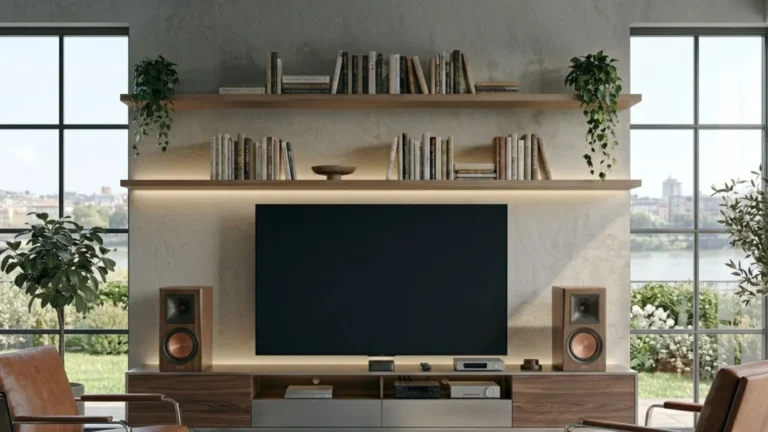
This is what sets it apart from the rest of the streamer range. Connect the WiiM Ultra to the TV’s HDMI ARC socket and film and series audio plays through your hi-fi speakers, with the volume on the TV remote. It’s the tidiest way to run a 2.0 system instead of a soundbar, as we explain in soundbar vs bookshelf speakers for the TV. Bear in mind it’s ARC, not eARC: it accepts PCM and Dolby Digital, but not DTS.
A turntable without an external phono stage
The built-in phono input takes both moving magnet (MM) and moving coil (MC) cartridges. You can plug a traditional turntable straight in, with no separate phono preamp, and play vinyl in other rooms too via multiroom. If phono versus line is confusing, read how to connect a turntable to an amplifier or powered speakers.
Subwoofer output and room correction
The dedicated output lets you add a powered subwoofer and turn two bookshelf speakers into a 2.1 system, with the crossover set in the app. The WiiM Home app also offers EQ and room correction, handy when the speakers can’t sit in the ideal spot. Placement does the rest: see our guide on where to position hi-fi speakers.
Headphones and screen: everyday convenience
The headphone output with its own amplifier is handy in the evening, when you can’t turn the volume up (more in our guide to low-volume listening). The touchscreen makes the streamer easy to use for anyone at home who doesn’t want to open an app just to change source.
The limits to know about
- It isn’t an amplifier: passive speakers need an amp after it. If you’re starting from scratch with passive speakers, the WiiM Amp or Amp Pro is simpler.
- Price: around £100 more than the Pro Plus. The difference only pays off if you’ll use HDMI, phono, the sub output or headphones.
- Phono and MC cartridges: the MC input is convenient, but its stated figures are more modest than the MM input’s. With a quality MC cartridge a dedicated phono stage is still the better choice.
- HDMI is ARC only: no eARC or DTS, so it isn’t designed for a multichannel home cinema.
WiiM Ultra vs WiiM Pro Plus: the comparison
Both use the same app, the same streaming services and a good DAC on the RCA output. The real difference is the connections. These are the manufacturer’s stated figures:
| WiiM Ultra | WiiM Pro Plus | |
|---|---|---|
| DAC | ESS ES9038Q2M | AKM AK4493SEQ |
| Screen | 3.5″ colour touchscreen | No |
| HDMI ARC (TV) | Yes | No |
| Phono input | Yes, MM and MC | No |
| Line and optical inputs | Yes | Yes |
| Subwoofer output | Yes | No |
| Headphone output | Yes | No |
| Wi-Fi | Wi-Fi 6E | Dual-band Wi-Fi |
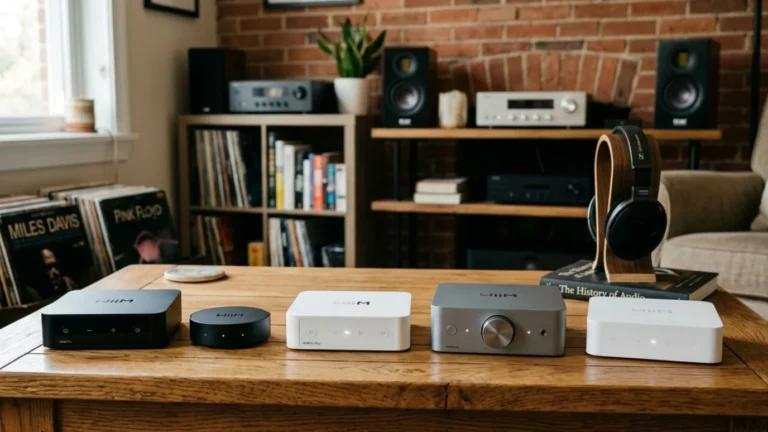
If your system is an integrated amplifier you only use for music, the Pro Plus gives you the same streaming quality for less. We compare it with its smaller sibling in WiiM Pro vs Pro Plus, and the whole range is in our ultimate WiiM buying guide.
Which to choose for your system
Powered speakers connected to the TV and a turntable: WiiM Ultra
This is the ideal scenario. A pair of powered speakers with an RCA input, such as the Edifier R1280T (available on Amazon), connected to the WiiM Ultra becomes a complete system: streamed music, TV sound over HDMI and a turntable on one box, with one remote. For a full example set-up, see our hi-fi setup under 1000 euros.
Integrated amplifier and music only: WiiM Pro Plus
If you already own a good amplifier with its own phono stage and don’t need the TV, the Pro Plus does the same streaming job for less money.
Passive speakers and no amplifier: WiiM Amp
If you still have everything to buy and prefer passive speakers, the WiiM Amp (available on Amazon) combines streamer and amplifier, and it has HDMI ARC too. You lose the phono input, but you save a box.
The CozyHiFi verdict
Our pick
WiiM Ultra
For anyone who wants one box for music, TV and vinyl, plus a subwoofer and headphones. It makes sense if you’ll use at least one of HDMI ARC, phono or the sub output: in that case it saves you two or three separate boxes.
Our pick
WiiM Pro Plus
For anyone who already has an amplifier and only listens to music: same app, an excellent DAC and a lower price.
Frequently asked questions
Can the WiiM Ultra drive passive speakers?
No, it has no power amplifier. Connect it to powered speakers, or to an integrated or power amplifier through the RCA output.
Does the WiiM Ultra sound better than the Pro Plus?
On the RCA output both use good DACs and the difference is small. From the digital outputs they send exactly the same signal. You choose the Ultra for its connections, not for a leap in sound quality.
Can I use the WiiM Ultra with a TV and a subwoofer at the same time?
Yes. TV audio comes in over HDMI ARC, the speakers connect to the RCA output and the powered subwoofer to its dedicated output, with the crossover adjustable in the app.
Do I need a phono preamp for my turntable?
Not with the WiiM Ultra, as it has a built-in phono input for MM and MC cartridges. If your turntable already has a built-in preamp, use the line input instead.